On this page
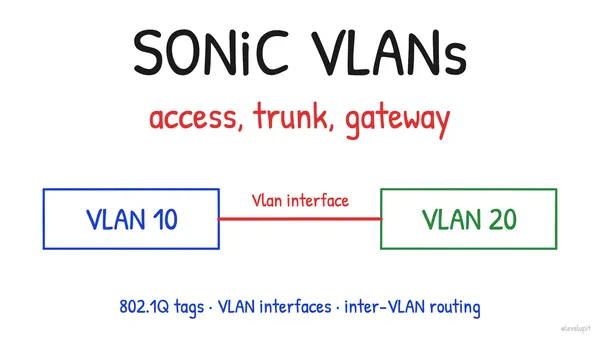
Three hosts and two switches. Two of the hosts belong together although they are plugged into different switches. The third must not hear them at all, and yet, when it needs to, it should be able to reach them. That is three ideas in one requirement: separation, extension and routing. On a switch they are the VLAN, the trunk and the VLAN interface. This post builds all three on blank SONiC switches, one command at a time, and after each one looks at what the switch did with it. The switches run Enterprise SONiC 4.6.0; the same steps follow on community SONiC.
This is the written deep dive for lesson 4 of the SONiC course on the LevelUP I.T. YouTube channel. It runs on the lab built in lesson 1, before the fabric exists: spine1 is used as a plain switch between leaf1a and leaf1b. Every output below is from the lab as the lesson recorded it.
What you'll find here
- What a VLAN is: an address table and a set of ports of its own.
- Two VLANs and two access ports, and the records behind them:
VLANandVLAN_MEMBERin CONFIG_DB, the bridge in Linux. - The MAC address table, per VLAN.
- Access and trunk: untagged and tagged membership, and the 802.1Q tag captured on the wire.
- VLAN interfaces as gateways, routing between VLANs, and the three tables that explain a routed ping.
- What one gateway on one switch costs.
- Removing VLANs, and what goes with them on each platform.
- The community SONiC command set for the same steps.