On this page
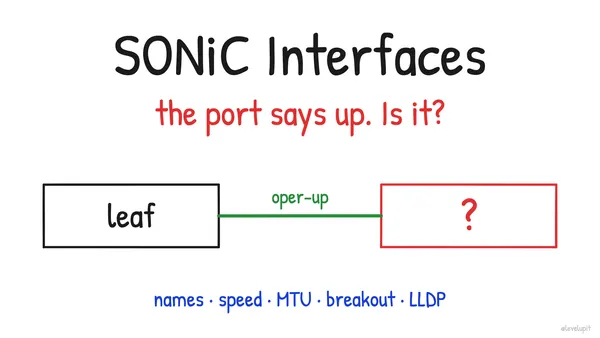
A fabric of SONiC switches can be cabled, powered and booted and still forward nothing: on a blank Enterprise SONiC switch every port is disabled. Before any VLAN, address or routing protocol there is the port itself: what it is called and why, whether it is up, how fast it runs, how large a frame it carries, and what is plugged into the other end. This post brings ports up on a blank leaf and reads their state line by line, uses LLDP to check the cabling against the plan, captures the LLDP frame on the switch, and then changes what can be changed on a port: frame size, speed, name, and whether it is one port or several. The switches run Enterprise SONiC 4.6.0; the same steps follow on community SONiC.
This is the written deep dive for lesson 3 of the SONiC course on the LevelUP I.T. YouTube channel. It runs on the lab built in lesson 1, and every output below is from the lab as the lesson recorded it.
What you'll find here
- What a port is to SONiC: a cage, the lanes behind it, a line of the hardware profile, and three views of the same thing.
show interface statusread column by column, and the same port in CONFIG_DB and in Linux.- Administrative state, operational state and the reason beside them, with all three cases shown on the switch.
- LLDP: how it works, the neighbor table from both ends, and the frame itself captured with
tcpdumpon the switch. - Why "up" on a virtual link proves nothing, and what does.
- Counters, MTU, speed and port groups, native and standard names, and breakout.
- The community SONiC command set for the same steps, and what that image does differently.