On this page
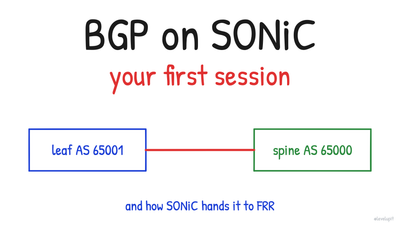
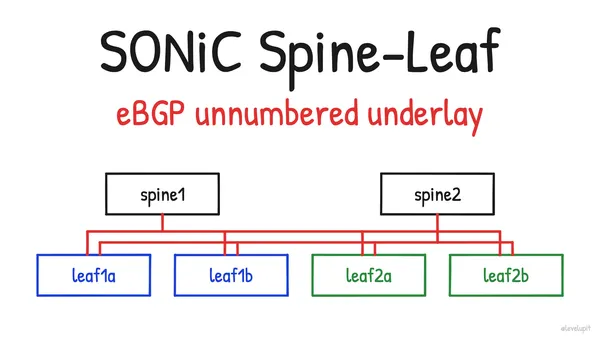
In the last lesson one BGP session took an address plan: a subnet for the link, an address for each end, and a neighbor statement that named the other end's address. This fabric has eight links, and a real one has hundreds. Every one of those addresses is a chance to mistype a digit, and none of them is used for anything except bringing the session up. So they are not configured. This post builds the routing between all six switches of a spine-leaf fabric on SONiC, the underlay, with no address on any link and with neighbors named by nothing more than the port they are plugged into. The switches run Enterprise SONiC 4.6.0; the same fabric follows on community SONiC.
This is the written deep dive for the second lesson of the fabric level of the SONiC course on the LevelUP I.T. YouTube channel. It runs on the lab built in lesson 1, from the blank lab. Every output below is from the lab as the lesson recorded it.
What you'll find here
- What the underlay is for, and the AS number plan.
- How a BGP session runs over a link with no configured addresses.
- The full configuration of a leaf and of a spine, line by line.
- Reading the session: the summary, the neighbor detail, a captured router advertisement.
- The rack partner's route that is missing, and
allowas-in 1. - Equal-cost multipath, and one uplink taken away and restored.
- What is stored in CONFIG_DB, and what FRR receives.
- Community SONiC: the same fabric with link-local-only ports and a peer group in
vtysh.