On this page
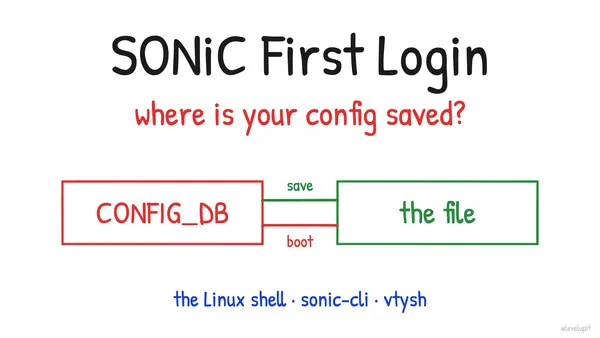
You log in to a SONiC switch and get a Linux prompt. From there you can reach three different command lines, and under all of them there is a database. A change you make exists in more than one place, and only one of those places is read when the switch boots. This post logs in to a blank leaf, walks through each command line, makes one small change and finds it in the running configuration, in the database, in the Linux kernel and in the file on disk. Then the switch is rebooted to see what is left. The switches run Enterprise SONiC 4.6.0; the same steps follow on community SONiC, where the commands differ and the design does not.
This is the written deep dive for lesson 2 of the SONiC course on the LevelUP I.T. YouTube channel. It runs on the lab built in lesson 1, and every output below is from the lab as the lesson recorded it.
What you'll find here
- What you land in after SSH: bash on Debian, and the three groups that decide what the admin user may do.
- The services of a SONiC switch as containers, and the databases inside its one Redis.
- The three command lines:
showandconfigin the Linux shell,sonic-cliwith its modes, andvtyshfor the routing software. - One change followed to four places: the running configuration, CONFIG_DB, the kernel, and the file.
- The path a change takes, and how to watch the services act on it in the system log.
- Saving, checking whether you saved, taking unsaved changes back, and keeping a copy outside the switch.
- A reboot test with a saved change, an unsaved change and a route typed directly into the routing daemon.
- The same lesson on community SONiC 202605:
config save, FRR's own file, and whatsonic-clidoes on that image.