On this page
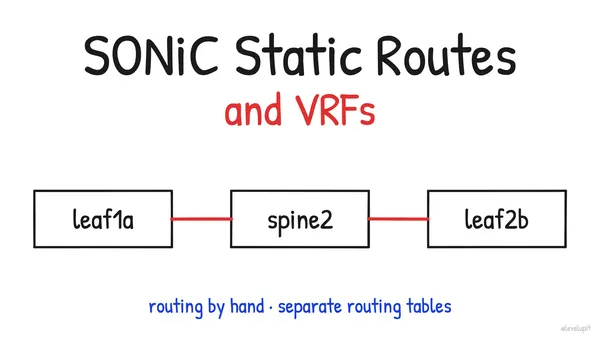
A router knows the networks it is attached to, and nothing else. In the last two lessons that was enough, because everything was on one switch. Here host1 has to reach a host two routers away, on a network its switch has never heard of. The simplest fix is to tell it: a static route. This post routes between three SONiC switches by hand, shows where that works and the exact point where it stops being a good idea, and then gives one switch several separate routing tables with VRFs, so that two groups of hosts share the hardware and never see each other's routes. The switches run Enterprise SONiC 4.6.0; the same steps follow on community SONiC.
This is the written deep dive for lesson 6 of the SONiC course on the LevelUP I.T. YouTube channel. It runs on the lab built in lesson 1, before the fabric exists: spine2 is a plain router between leaf1a and leaf2b. Every output below is from the lab as the lesson recorded it.
What you'll find here
- What a routing table says: prefixes, next hops, the most specific match, connected routes.
- Routed ports and /31 links between switches.
- A static route that is only half a path, and why: every router, both directions.
- One static route followed through the switch, in five places.
- What a static route cannot know, shown with two failures.
- A discard route and the default route.
- VRFs: binding an interface (with the two usual mistakes), isolation, tools inside a VRF, and a deliberate route leak.
- The community SONiC command set for the same steps.