On this page
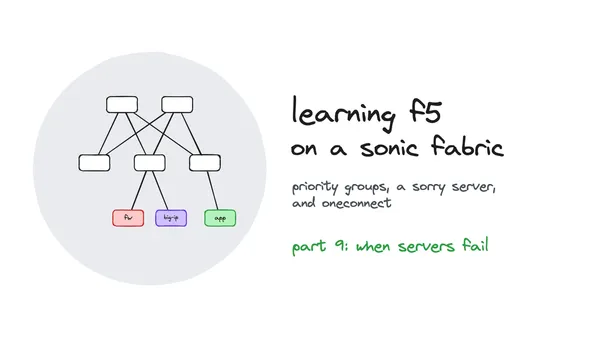
This is part 9 of a series on learning F5 BIG-IP Local Traffic Manager on a real data-centre fabric running on SONiC switches. Each part goes with a video on the LevelUP I.T. YouTube channel. Part 8 covered SSL offload. This part is about what users get when servers fail, and about OneConnect.
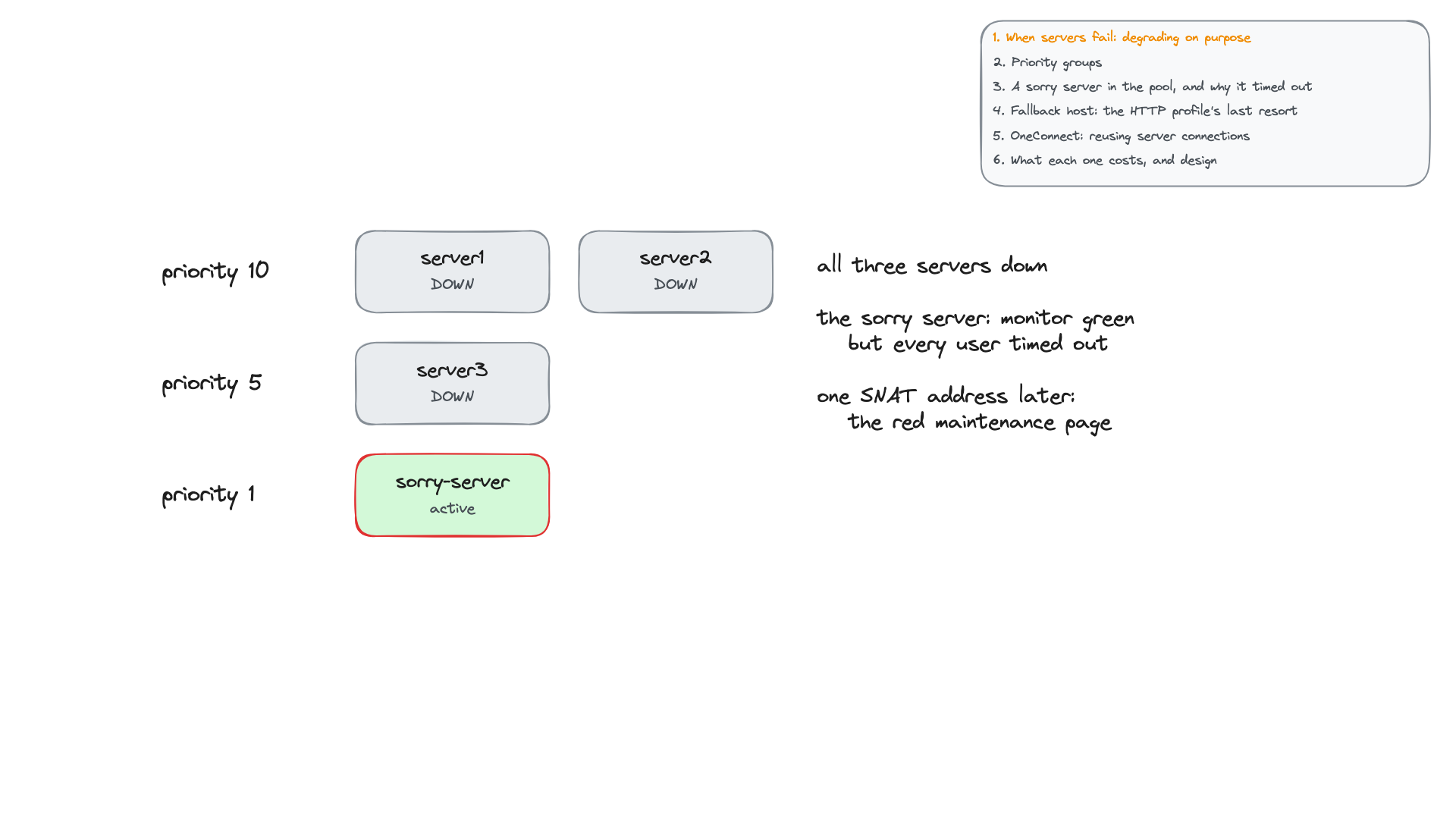
With all three web servers down, a sorry server waited in the pool as the last resort, and its health monitor was green. Every user request still timed out: the sorry server never saw them. One SNAT address later, the maintenance page appeared. This part builds three layers of graceful degradation, priority groups, a sorry member and a fallback host, explains why the obvious version failed, and measures OneConnect.
What you'll see
- The three questions every pool needs answered when servers fail.
- Priority groups: preferred servers, reserves, and what slow ramp does to them.
- A sorry server as the last priority group, why it timed out, and the fix.
- The HTTP profile's fallback host and fallback status codes.
- OneConnect: per-request load balancing and server connection reuse, measured.
- What each one costs, a failure test plan and a design checklist.
Priority groups
Every pool member has a priority group number, and a higher number is preferred. Setting min-active-members on the pool turns priority group activation on: the BIG-IP uses the highest group, and adds the next group down while fewer than that many members are available in the groups it is using. With server1 and server2 at priority 10, server3 at 5 and a minimum of 2, only server1 and server2 took traffic.